




Official Liraspin App
Players can access the casino directly through the Liraspin app without needing any third-party software or a lengthy installation process. Our PWA is easy to install, and it takes less than a minute to have it done. You’ll be able to find it on your desktop along with other apps. It provides easy access when traveling or when players want to carry on a session away from home. The responsive interface allows games to be easily controlled on different screen sizes.



Liraspin Mobile Gaming
Mobile play keeps your Liraspin account close wherever you are. Open slots or activate available bonuses directly from your phone during a break or while traveling. Lira Spin Casino works on mobile in two formats. The responsive browser version opens through the website.
How Do You Install and Troubleshoot the Liraspin App?
Open the Lira Spin website and select the Casino App, then choose the Install option on the app page. The PWA is added directly to your phone or tablet without visiting an external app store.
Most setup issues have a direct solution:
- Install button does not respond: Try refreshing the page. If the browser cannot load the app manifest, open the site in another supported browser.
- Shortcut is missing: Free some device storage and repeat the installation. The PWA uses little space, but a full device prevents the shortcut from being created.
- The app runs slowly: Turn off power-saving mode. This setting limits performance and background activity.
- The PWA stops working after an OS update: Clear the cached data, remove the app, and reinstall it.
Liraspin support resolves any remaining installation issues. Live chat is available through the website and inside the application.
How Does the Liraspin App Work on iOS?
The Liraspin iOS app installs directly from our website, so iPhone and iPad users do not need the App Store. Automatic updates keep the PWA current without manual downloads or update reminders.
The app also uses less battery because it does not rely on device services such as GPS or Bluetooth. This efficient setup supports smooth access to slots and live casino games.
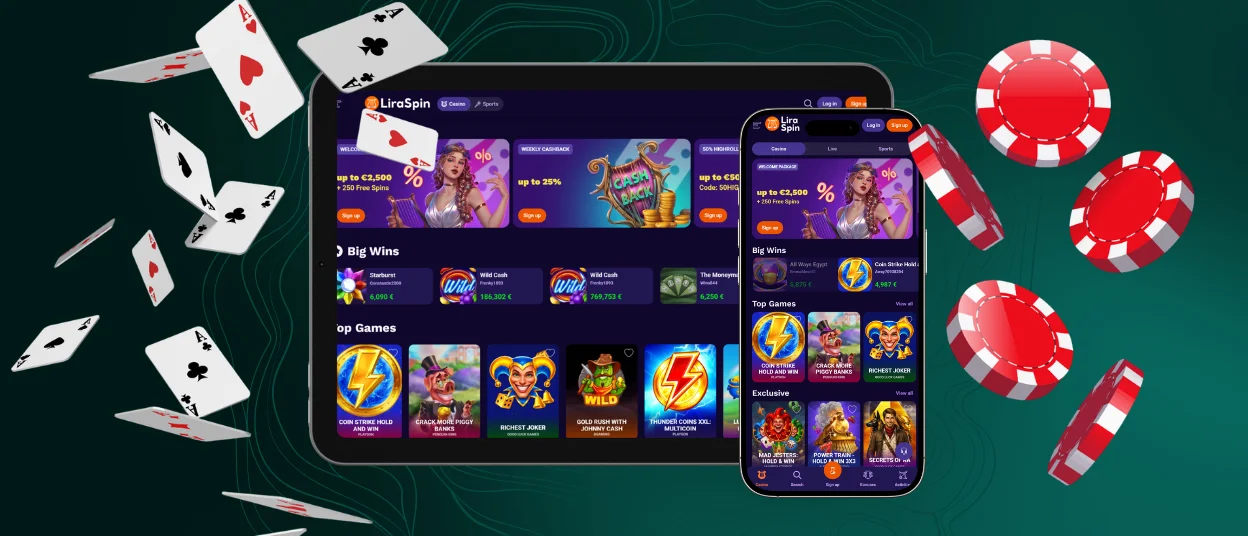
Liraspin Casino Access for Windows and macOS
Desktop players receive the same familiar Liraspin interface in a dedicated app-style window. The installed PWA also adds several practical desktop features:
| Desktop Feature | How It Works |
| Desktop shortcut | Launch Lira Spin Casino from the desktop or the Start menu like any other program. |
| Clean app window | The platform opens without browser tabs or an address bar. |
| Notification badge | A badge appears on the app icon when a new message arrives, and notifications are enabled. |
| Automatic launch | Set the Liraspin app to open with the operating system when you use the computer mainly for gaming. |
Desktop installation follows the same simple process as mobile setup. Select the “Casino App” option, then install it.
How Does the Liraspin App Work on Android Devices?
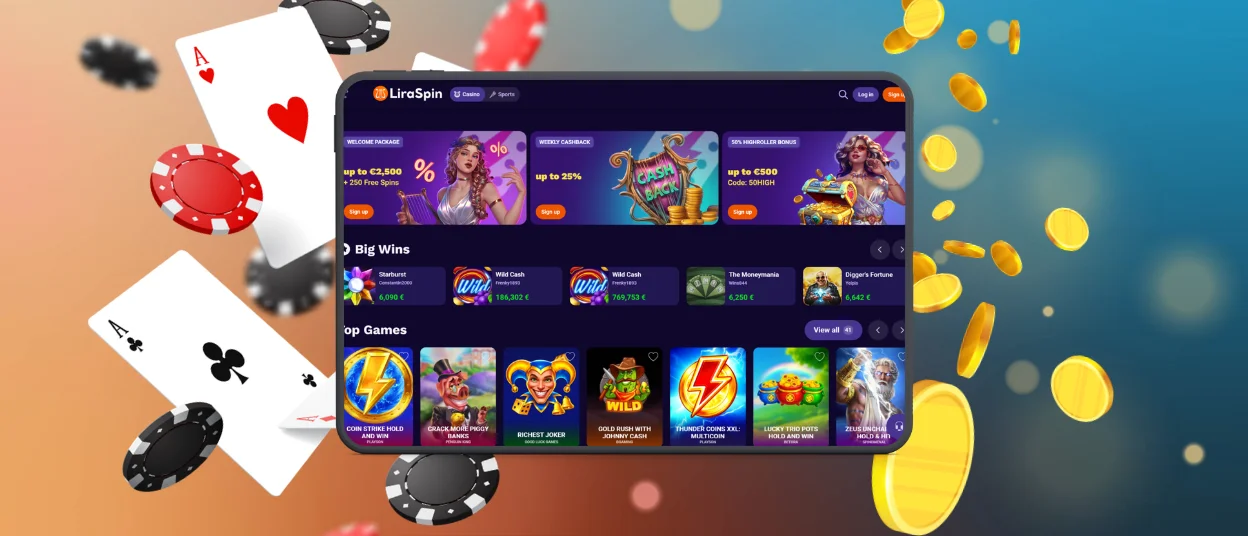
The Liraspin Android app combines the flexibility of a website with the convenience of installed mobile software. It caches selected content after the first launch, which keeps key pages available when the connection drops.
The Android experience includes the following improvements:
- Responsive vertical display: The interface adapts from compact phones to tablets.
- Thumb-friendly controls: The Spin button and essential game controls remain within easy reach.
- Swipe access to game details: One gesture opens the rules and other game information.
- Full-screen interface: Lira Spin Casino opens without unnecessary browser elements.
The app runs smoothly on older Android phones and uses extra settings available on newer models. Supported devices let you adjust the icon appearance and activate vibration feedback for button taps.
FAQ
Do I need an account for the Liraspin app?
The Liraspin app can be opened, and the game collection can be looked through without an account. Register to play for real money, claim bonuses, and use payment features. We also require players to verify their identity before they can withdraw funds.
Can I use the same Liraspin account on multiple devices?
Yes. Your Lira Spin account is functional both on the application and the desktop site. Use the same details to log in and access your balance and account settings. You can change devices and remain signed into a single profile.
How do I upgrade the Liraspin app?
Patches do not need to be installed manually. The Liraspin app is constantly updated in the background to ensure users have the latest version of the application.


